
Designing game characters from a bird’s eye view might sound tricky, but it’s a skill you can master. Whether you’re creating a top-down adventure or a strategy game, how your characters look from above can make all the difference.
You want them to stand out, feel alive, and fit perfectly into your game world. You’ll discover simple yet powerful tips to bring your characters to life from this unique angle. Ready to make your designs unforgettable? Keep reading, and let’s unlock your creative potential together.
Birds Eye View In Game Design
Designing game characters from a birds eye view means showing them from above. This view lets players see the character and the environment clearly.
This perspective works well for strategy and adventure games. It helps players plan moves and understand the game world better.
Why Use Birds Eye Perspective
The birds eye view gives a clear overview of the game area. It shows how characters move and interact with objects and enemies.
- Shows more of the game world at once
- Helps players plan their actions
- Makes navigation easier
- Allows clear character positioning
- Supports simple and clean visual style
Key Features Of Birds Eye Characters
Characters from above have unique design needs. The top view changes how details and shapes appear.
| Feature | Description |
| Simple Shapes | Use clear and bold shapes to show character form |
| Limited Detail | Focus on key features visible from the top |
| Consistent Scale | Keep character size uniform for easy recognition |
| Clear Silhouette | Make the character outline easy to see |
| Color Contrast | Use colors that stand out against the background |
Basic Shapes And Silhouettes
Designing game characters starts with simple ideas. Using basic shapes helps create clear and strong designs.
Silhouettes show the character’s form without details. They help players recognize characters quickly.
Choosing Simple Shapes
Simple shapes make characters easy to draw and remember. Circles, squares, and triangles are good starting points.
- Circles suggest softness and friendliness
- Squares imply strength and stability
- Triangles create dynamic and sharp looks
- Mix shapes to add interest and uniqueness
Creating Clear Silhouettes
A clear silhouette means the character’s outline is easy to recognize. Avoid clutter or confusing shapes.
| Tip | Why It Matters |
|---|---|
| Use exaggerated shapes | Makes silhouette stand out |
| Keep limbs distinct | Prevents blending together |
| Check silhouette in black | Tests clarity without details |
| Avoid too many small parts | Keeps design readable |
Proportions And Anatomy
Designing game characters from a birds eye view needs special care. The proportions and anatomy must fit the top-down perspective. This helps players understand the character’s shape and movement easily.
In this guide, we focus on two main parts: adjusting proportions for the top-down view and simplifying anatomy details. Both help make clear and readable characters in the game.
Adjusting Proportions For Top-down View
Characters seen from above look different than from the side or front. You must change some body parts to match this view. The head, shoulders, and arms need size changes to look right from the top.
- Make the head larger to show face direction clearly.
- Widen the shoulders slightly for better silhouette.
- Shorten the legs because they are less visible.
- Show arms bent or close to the body to keep shape simple.
- Adjust feet size and angle for walking or standing poses.
Simplifying Anatomy Details
Too many details can confuse the player in a birds eye view. You need to reduce complex shapes and focus on the main forms. This keeps the character easy to recognize and follow.
| Body Part | Detail Simplification |
| Head | Use simple round shapes and minimal facial features |
| Arms | Show basic shapes, avoid fingers or small muscles |
| Torso | Keep broad and clear without complex lines |
| Legs | Use simple shapes and avoid joints details |
| Clothing | Show main folds only, avoid small textures |

Credit: docs.unity3d.com
Color And Texture Choices
Designing game characters from a bird’s eye view needs special color and texture choices. These choices help players see the character clearly and understand its shape and details.
Good use of color and texture can make characters stand out from the background. This makes the gameplay easier and more enjoyable.
Using Color To Enhance Readability
Colors must help players quickly recognize characters. Use bright and clear colors for main parts of the character. Avoid colors that blend with the ground or other objects.
- Choose contrasting colors for character and background
- Use simple color palettes with 2 to 4 main colors
- Apply shading to show depth and shape
- Highlight important features with brighter colors
- Limit similar colors in one character to avoid confusion
Texture Techniques For Birds Eye View
Textures add detail and realism to characters. For a bird’s eye view, textures must remain clear and not too busy. Use textures to show material types like cloth, metal, or skin.
| Texture Type | Purpose | Tips |
| Flat Color | Clear shape | Use for simple characters |
| Soft Shading | Show roundness | Apply gently to avoid clutter |
| Patterned | Indicate materials | Keep patterns small and subtle |
| Highlight and Shadow | Add depth | Match light source direction |
Movement And Animation
Designing game characters from a bird’s eye view needs special care. Movement and animation show the character’s life and actions clearly.
Animations must look natural from above. This guide helps you create smooth walk cycles and lively actions.
Designing Walk Cycles
Walk cycles from above focus on the feet and body shifts. The character’s legs move in a simple pattern that repeats.
- Start with the feet positions: left foot forward, right foot back.
- Show a slight body tilt to match leg movement.
- Include small arm swings if visible from above.
- Keep the cycle smooth for easy looping.
- Use shadow or outline to show foot contact with ground.
Animating Actions From Above
Actions like attacking, jumping, or interacting must be clear from above. Simplify movements to show intent quickly.
| Action | Key Movement | Tips for Bird’s Eye View |
| Attack | Arm swings or weapon thrust | Use bold shapes to highlight the weapon |
| Jump | Legs bend then stretch out | Show shadow below for height effect |
| Interact | Body leans forward or reaches out | Keep hand and object visible clearly |
Tools And Software
Designing game characters from a bird’s eye view needs the right tools. These tools help create shapes, colors, and details clearly.
Choosing good software improves the design process. It saves time and makes editing easier.
Popular Design Tools
Many artists use software that fits their style and needs. Some tools focus on pixel art, while others handle 3D models well.
- Adobe Photoshop:Good for 2D character art and texturing.
- Blender:Free and strong for 3D modeling and animation.
- Aseprite:Made for pixel art and simple animation.
- Clip Studio Paint:Used for detailed drawing and coloring.
- ZBrush:Popular for sculpting high-detail 3D characters.
Tips For Efficient Workflow
Working fast and smart helps finish characters better. Organizing files and using shortcuts are key steps.
| Tip | Explanation |
| Use Layers | Separate parts of the character to edit easily. |
| Save Often | Prevent loss by saving work regularly. |
| Keyboard Shortcuts | Speed up tasks with quick keys. |
| Reference Images | Keep images nearby to guide your design. |
| Work in Stages | Start with rough shapes, then add detail. |
Common Mistakes To Avoid
Designing game characters from a birds eye view needs clear thinking. Many beginners make mistakes that hurt their work.
Knowing what to avoid helps you create better, cleaner character designs. Focus on key points to improve your art.
Overcomplicating Details
Adding too many details can confuse the player. Small parts look messy from above. Keep shapes simple and clear.
- Use bold shapes instead of fine lines
- Limit the number of colors and textures
- Avoid tiny accessories that are hard to see
- Focus on key features that show character traits
- Test designs at small sizes to check clarity
Ignoring Perspective Consistency
Birds eye view means looking down on a character. Ignoring this angle breaks the illusion. All parts must match the top-down view.
| Common Error | Correct Approach |
| Drawing faces straight on | Draw heads from above, showing tops and slight sides |
| Showing feet fully visible | Show feet foreshortened or partly hidden |
| Ignoring shadows and highlights | Add shadows consistent with top lighting |
| Mixing side and top views | Use only birds eye perspective for all parts |
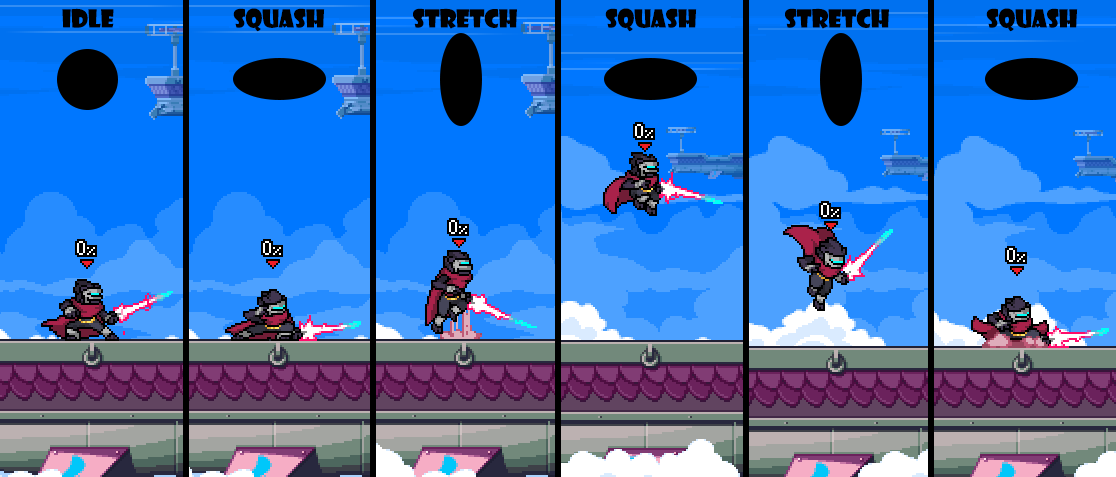
Credit: fornace.medium.com
Inspiration And References
Designing game characters from a bird’s eye view needs good inspiration. Looking at other games and real life helps create unique characters. It gives ideas about shapes, colors, and details.
This guide shares ways to find references. You will learn where to look and how to use what you find in your designs.
Studying Classic Games
Classic games have simple and clear bird’s eye view designs. They use colors and shapes to make characters easy to recognize. Study these games to understand what works well.
- Look at how characters move and stand out.
- Notice the use of color to show different roles or teams.
- Check the size and shape to fit the top-down view.
- Find patterns in design that help players identify characters fast.
Finding Real-world Examples
Real-world objects and people can inspire your bird’s eye view characters. Use photos and models to see how shapes and colors look from above.
| Source | What to Observe | Why It Helps |
| People walking | Body shapes and clothing colors | Shows natural movement and variety |
| Vehicles | Top shapes and colors | Teaches how to simplify complex forms |
| Animals | Silhouettes and patterns | Helps create unique character outlines |
| Buildings | Roofs and shadows | Gives ideas for character accessories or gear |
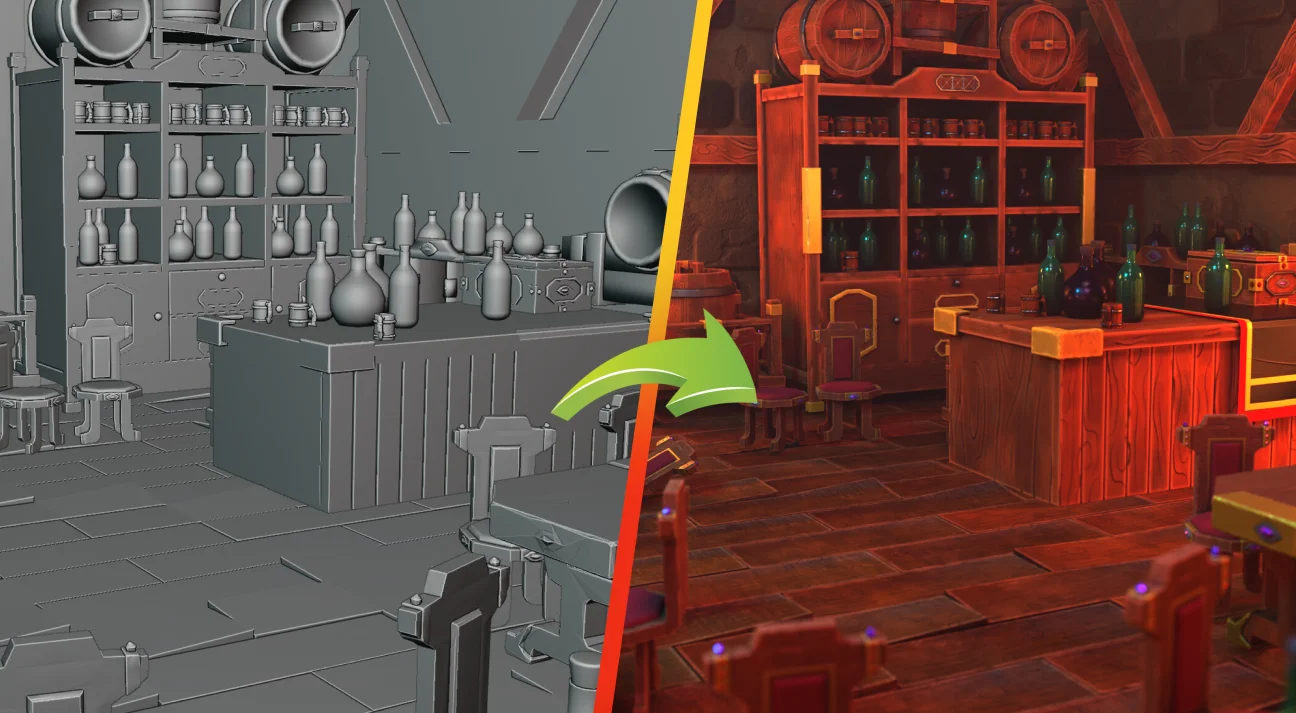
Credit: 300mind.studio
Frequently Asked Questions
What Is A Birds Eye View In Game Character Design?
A birds eye view shows characters from above, revealing top features. It helps designers create spatial awareness and movement clarity in games.
How To Maintain Character Detail From A Birds Eye View?
Focus on clear silhouettes and distinct shapes. Simplify details while keeping essential features recognizable from above.
What Tools Aid Birds Eye View Character Design?
Use software like Photoshop, Illustrator, or 3D modeling tools. They help visualize and refine characters from a top-down perspective.
Why Is Birds Eye View Important In Game Design?
It improves player navigation and strategic gameplay. This view offers a comprehensive understanding of character positioning and environment.
Conclusion
Designing game characters from a bird’s eye view is exciting. It requires creativity and skill. Focus on character shape and silhouette. These elements make characters stand out. Experiment with colors and textures. They add depth and interest. Remember, keep characters simple yet unique.
Visual clarity is key. Players should recognize characters instantly. Practice and patience improve design skills. Study other games for inspiration. Use feedback to refine your designs. Keep experimenting and learning. Soon, you’ll create amazing characters. Enjoy the design journey.




